


Your controller overlay, live.
Design a controller overlay in your browser, paste one link into OBS or Streamlabs. Your viewers see every input, in your style.





 Ask
Ask


 PlayStation
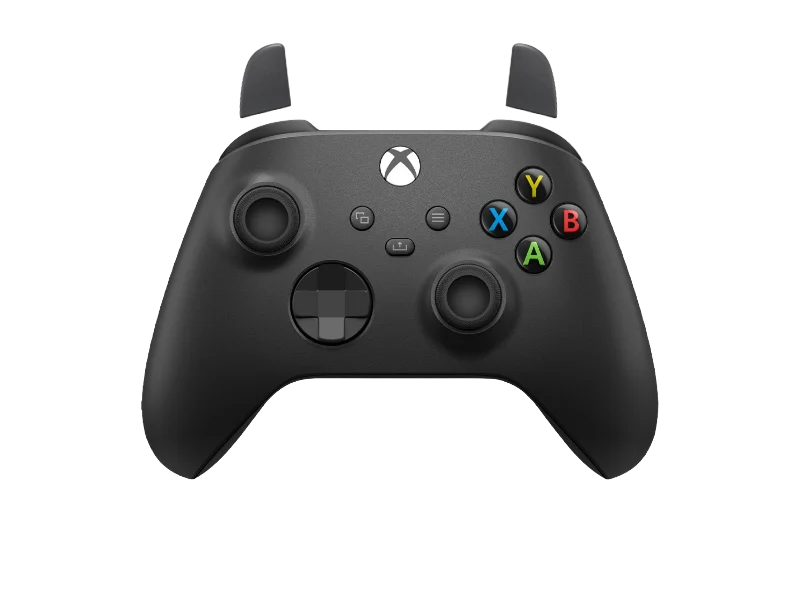
 Xbox
Xbox


Every controller. Any style.
PS5, PS4 and Xbox. Start from a finished design below, or build your own from scratch.

LUCY x DAVID CYBERPUNKPadcraft
$4.99
SUKUNAPadcraft
$4.99
GOD OF SPARTAPadcraft
$4.99
BLUE ZEROPadcraft
$4.99
SAKURAPadcraft
$7.99
HAKUPadcraft
$7.99
SPIDER WEBPadcraft
$4.99
DESTRA CUSTOMPadcraft
$7.99
GRAND LINEPadcraft
$4.99
QUANTICPadcraft
$7.99
KANAGAWAPadcraft
$4.99
RETRO SAGAPadcraft
$4.99
PS4 REALISTICPadcraft
Free
TOTOROPadcraft
$7.99
CHIHIRO NIGHTPadcraft
$7.99
SAKURA MEMORIESPadcraft
$7.99
UNIT 01Padcraft
$4.99
CRIMSON KOIPadcraft
$4.99Three minutes. Nothing to install.
Pick a controller, make it yours, paste one link. That is the whole setup.
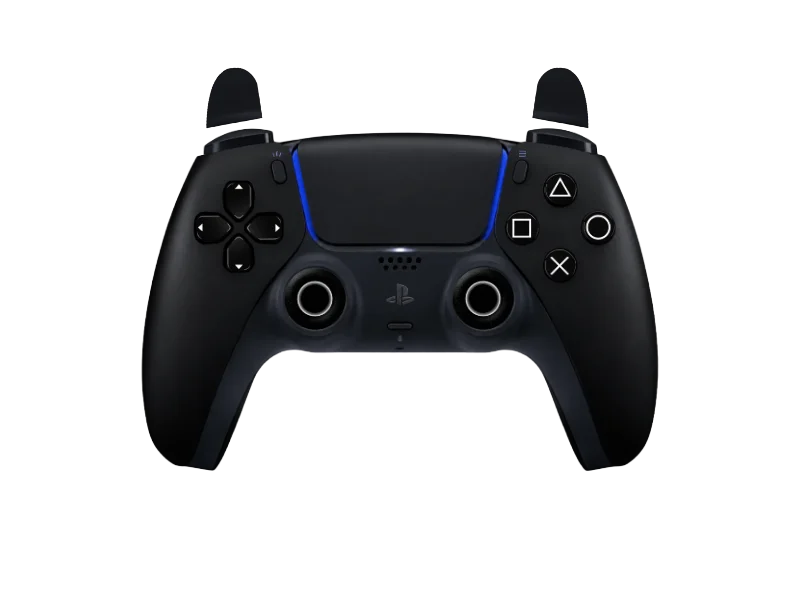
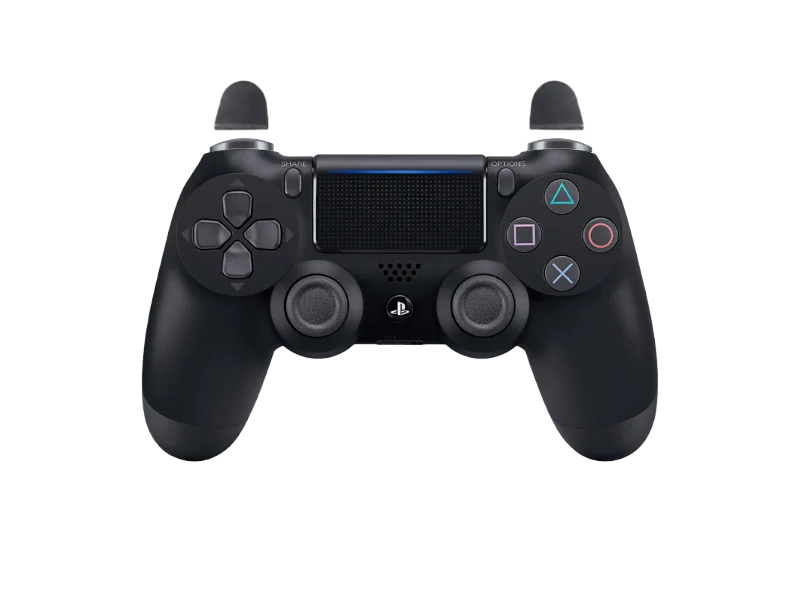
Make it yours. Drop your logo, pick your colors, add an animated effect. Start from a finished design or from a blank pad. No design skills needed.
Start designing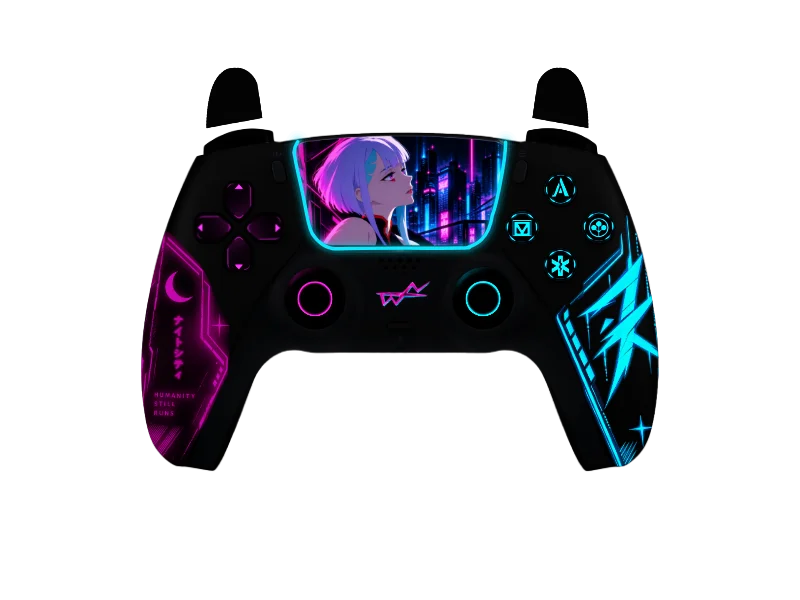
Paste one link. Add it as a browser source in OBS or Streamlabs. Your overlay reacts to every input, live on Twitch, Kick or YouTube.
Get my link
See it in action.
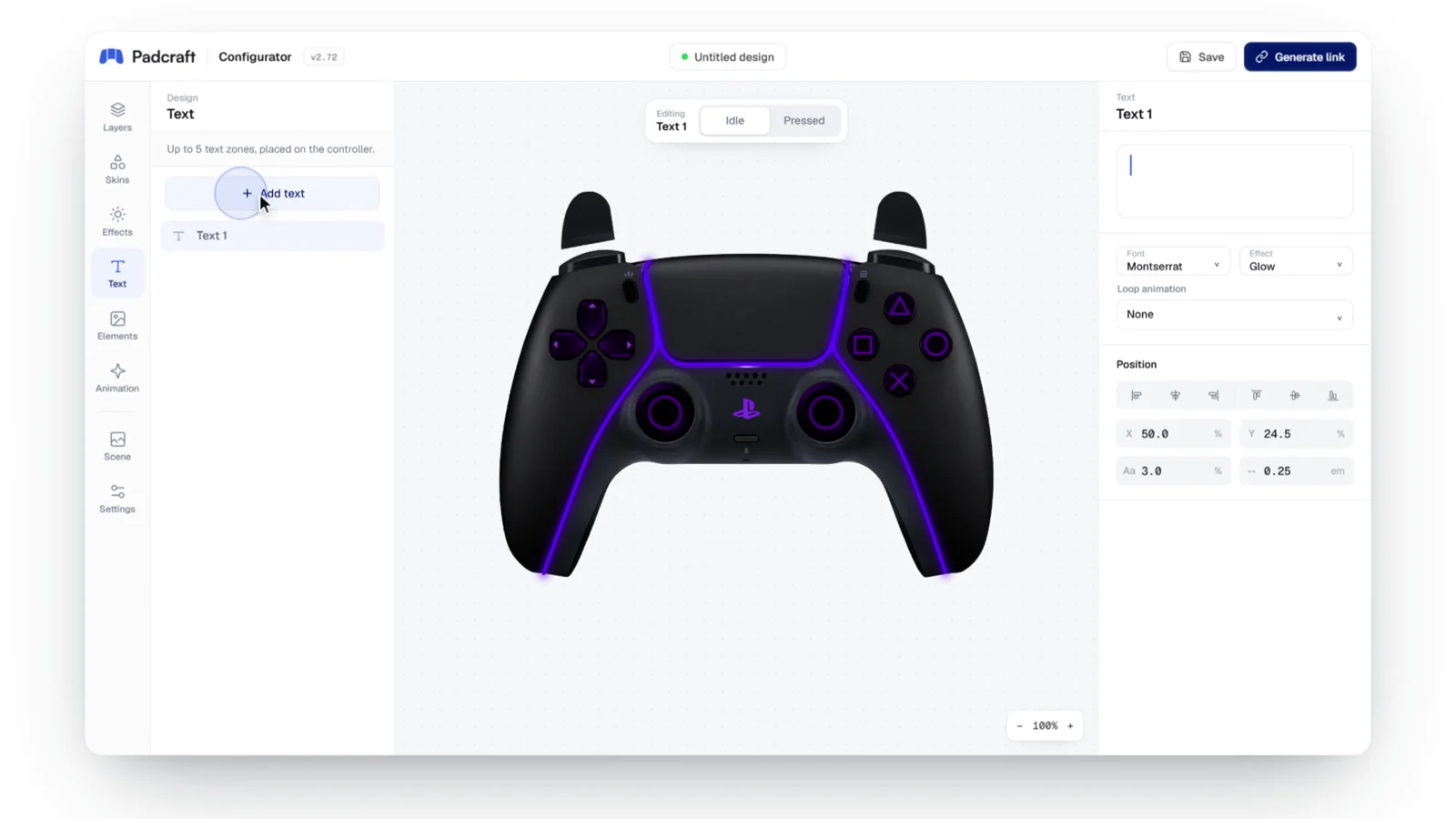
From a blank controller to your live stream: pick a color, drop your logo, add an effect, then paste one link into OBS. No design skills needed.
Colors & skins
Text & logos
Animated effects


One overlay, one payment.
Design and preview for free. Pay once, only when you publish your link.
Static
$4.99one-time
Your full design, crisp and lightweight on stream.
- Every color, skin, text and logo
- Live inputs in OBS, Streamlabs & more
- 5 edits included after purchase
- No watermark
Animated
$7.99one-time
Everything in Static, brought to life.
- Everything in Static
- Animated effects and backgrounds
- Pressed-state animations on every input
- 10 edits included after purchase
Free: three realistic controllers and the full configurator · Partners: 25% on every sale made with your code
Compare pricing
Secure checkout. Pay your way.
Still have questions?
Everything streamers ask before their first overlay. Still stuck? Contact us, we answer fast.
Contact us


Do I need to plug my controller into the website?
No. On Padcraft you only pick the controller you want on screen. Your real inputs are read later, inside OBS or Streamlabs, from the controller you actually play with, even if it is a different model.
Does it work with OBS, Streamlabs, Twitch and Kick?
Yes. Your overlay is a browser source, so it works in OBS, Streamlabs or any other streaming software that accepts one. It becomes part of your scene, so your viewers see it wherever you stream: Twitch, Kick or YouTube.
What is the difference between Static and Animated?
Static ($4.99, paid once) gives you an overlay with every color, skin, text and logo option, and each link includes 5 changes. Animated ($7.99, paid once) adds animated effects and pressed-state animations on top of that, with 10 changes per link. There is no subscription.
Can I change my overlay after paying?
Yes. Each published link includes 5 changes, or 10 for an animated design, so you can still adjust colors, text or your logo after paying.
Is there a watermark on the free preview?
No. Designing and previewing in the configurator is free and watermark-free, so you see your overlay exactly as it will look before you pay.
What happens if I lose my link?
Nothing is lost. Your links are saved to your Padcraft account: log in and copy yours again from your overlays.
Still not sure Padcraft is for you?
Ask a neutral third party. ChatGPT, Claude or Perplexity will look into it for you.
 Ask ChatGPT
 Ask Claude
 Ask Perplexity